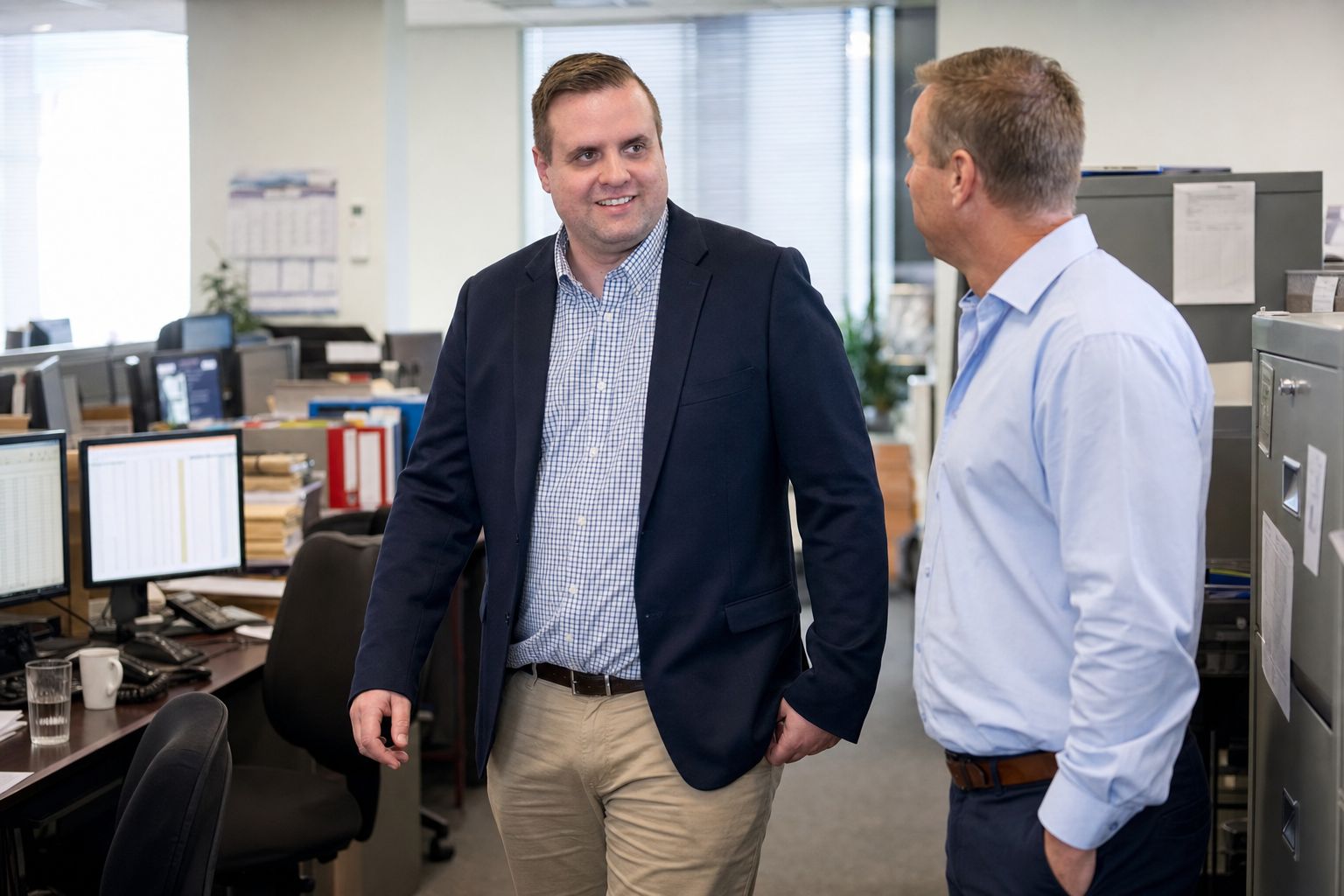
IT support for accountants in Brisbane
Protect client financial data and meet strict audit requirements with IT built for accounting professionals.
- Document audit trailLogging
- Client folder permissionsReviewed
- Remote access MFAEnforced
- Immutable backupsVerified
- Essential Eight review
Defy IT provides managed IT support and cyber security for accounting and tax practices in Brisbane and South East Queensland. We protect client financial data, keep your ledger and tax software running, and schedule changes around BAS, EOFY and lodgement deadlines. It suits owner-led practices without an internal IT person.
Built around tax data, not generic IT.
A generic setup leaves tax and financial data exposed.

Tax data, corporate financials and personal wealth — protected.
Managed IT support
Proactive monitoring and fast response for your accounting software and hardware.
Cyber security & Essential Eight
Application control, patching and multi-factor authentication.
Microsoft 365 & cloud
Cloud environments configured for financial data.
Backup & recovery
Immutable backups so client records survive ransomware.
Network & server support
Infrastructure that keeps running through tax season.
Secure client portals
Encrypted document sharing for client collaboration.
Attackers know your deadlines. We plan for them.
The challenges every accounting firm faces — and how we handle them.
Book a free IT review- 01Ransomware timed for tax season — the norm we reject.Immutable backups, so paying a ransom is never the only way back.
- 02No record of who opened what — the norm we reject.Audit trails on every sensitive financial document.
- 03Everyone can see every client — the norm we reject.Permissions set per client portfolio.
- 04Risky remote access in the crunch — the norm we reject.Secure remote access your team can rely on at peak times.
- 05TFNs and financials left exposed — the norm we reject.Strict access controls around client data.
- 06Emails pretending to be a partner — the norm we reject.Defences against business email compromise and phishing.

We plan around your compliance calendar
Upgrades, patching and hardware refreshes are scheduled around BAS, EOFY and lodgement deadlines — never mid-season.
The rest of the year: tighter access to client data, tested restores, and supported versions of your ledger and tax software.
Technology that supports your obligations.
Technology supports compliance. It does not determine it. Your firm and its advisers decide what the obligations require.
Essential Eight
The ASD baseline of mitigation strategies against cyber threats.
Privacy Act 1988
Adherence to the APPs for client financial information.
NDB Scheme
Logging and alerting that can help identify a possible eligible data breach.
Audit trails
Logging of access to sensitive financial documents.
“Local and friendly IT support from Brandon and the team. Can't recommend enough!”
Why accounting practices are a target
An accounting practice holds tax file numbers, bank details, identity documents, payroll data and the financial affairs of many clients in one place. That makes it a rich target, and attackers know the calendar as well as you do. A locked system or a convincing fake email is far more painful in the days before a lodgement deadline.
Email is the usual way in. A fake email that appears to come from a partner, a client or the ATO can lead to a stolen password, a changed bank account or a request to release funds. Another common problem is access that is too wide: everyone can open every client folder, and nobody can say who opened what.
Your obligations, in plain English
Registered tax practitioners are bound by the Code of Professional Conduct under the Tax Agent Services Act 2009, administered by the Tax Practitioners Board. The Code includes obligations around confidentiality of client information. The ATO also publishes guidance for tax practitioners on protecting client data and securing their practice. Both are worth reading with your adviser.
The Privacy Act 1988 and the Notifiable Data Breaches scheme may also apply, depending on the practice. If personal information is accessed or disclosed in a way likely to cause serious harm, the practice may need to notify the OAIC and the people affected. Whether a given incident is notifiable is a decision for the practice, ideally with advice. Technology supports these obligations, it does not determine them, and no IT provider can guarantee compliance.
Software accounting practices commonly use
Practices commonly run a mix of Xero, MYOB, Xero Practice Manager (XPM), Handisoft, Class (often for SMSF work) and Karbon for workflow, alongside Microsoft 365 for email and files and the ATO's online services for tax agents. We look after the devices, network, access, backups and security around your systems, and keep the operating systems and tools they run on at supported versions. We work with the software vendor on application issues. The agreement sets out which products are covered and who owns each part.
The Essential Eight, applied to an accounting practice
The Essential Eight, from the Australian Signals Directorate, is a baseline of mitigation strategies. For an accounting practice, the most valuable are usually:
- Multi-factor authentication on email, cloud accounting tools and remote access, because stolen passwords are the most common way in.
- Patching, scheduled around lodgement peaks so updates do not interrupt busy periods.
- Regular, tested backups that ransomware cannot alter, so client records can be restored without negotiating.
- Restricting administrator access, so one stolen account cannot reach every client.
- Application control and macro settings, which help block malicious attachments disguised as invoices or tax documents.
It is a framework to work towards in stages, not a certificate.
What good IT looks like for a practice
Good IT in an accounting firm follows the compliance calendar. Upgrades, patching and hardware refreshes are scheduled around BAS, EOFY and lodgement deadlines, not in the middle of them. Client folders have permissions set per client or portfolio, with a record of who opened sensitive documents. Staff can work remotely at peak times through secure access. Client documents are shared through an encrypted portal rather than as email attachments. Email filtering and staff training address spoofed emails, and a change of bank details is always confirmed by phone on a number you already hold. Outside peak periods, the work is tighter access, tested restores and keeping ledger and tax software on supported versions. Our EOFY IT checklist covers the year-end side.
How we work with accounting practices
- 01
Free IT review. We start by talking through your practice and your busy periods.
- 02
Document what exists. We audit devices, servers, Microsoft 365, the network, backups and security, and write it down.
- 03
Fix the biggest risks first. We deal with the most serious gaps first and plan changes around your deadlines.
- 04
Ongoing monitoring and support. We monitor agreed systems and support your team remotely, and attend your office when needed.
- 05
Plain-English communication. We explain what we found and recommend, and confirm scope, cost and next step before any work begins.
- 06
No lock-in. There are no lock-in contracts.
Technology supports compliance. It does not determine it, and this page is not legal or tax advice. Your practice and its advisers decide what your obligations require.

Secure your accounting firm today
Don't wait for an incident to find the gaps. Book a comprehensive IT review tailored for Australian accounting professionals.
Local support across South East Queensland