
How to Spot Phishing Emails: A Practical Guide for Your Staff
Phishing is still the way most attackers start. This guide covers the signs staff should look for, what to do when something looks wrong and how to build a reporting habit.
 Brandon Strangman6 min read
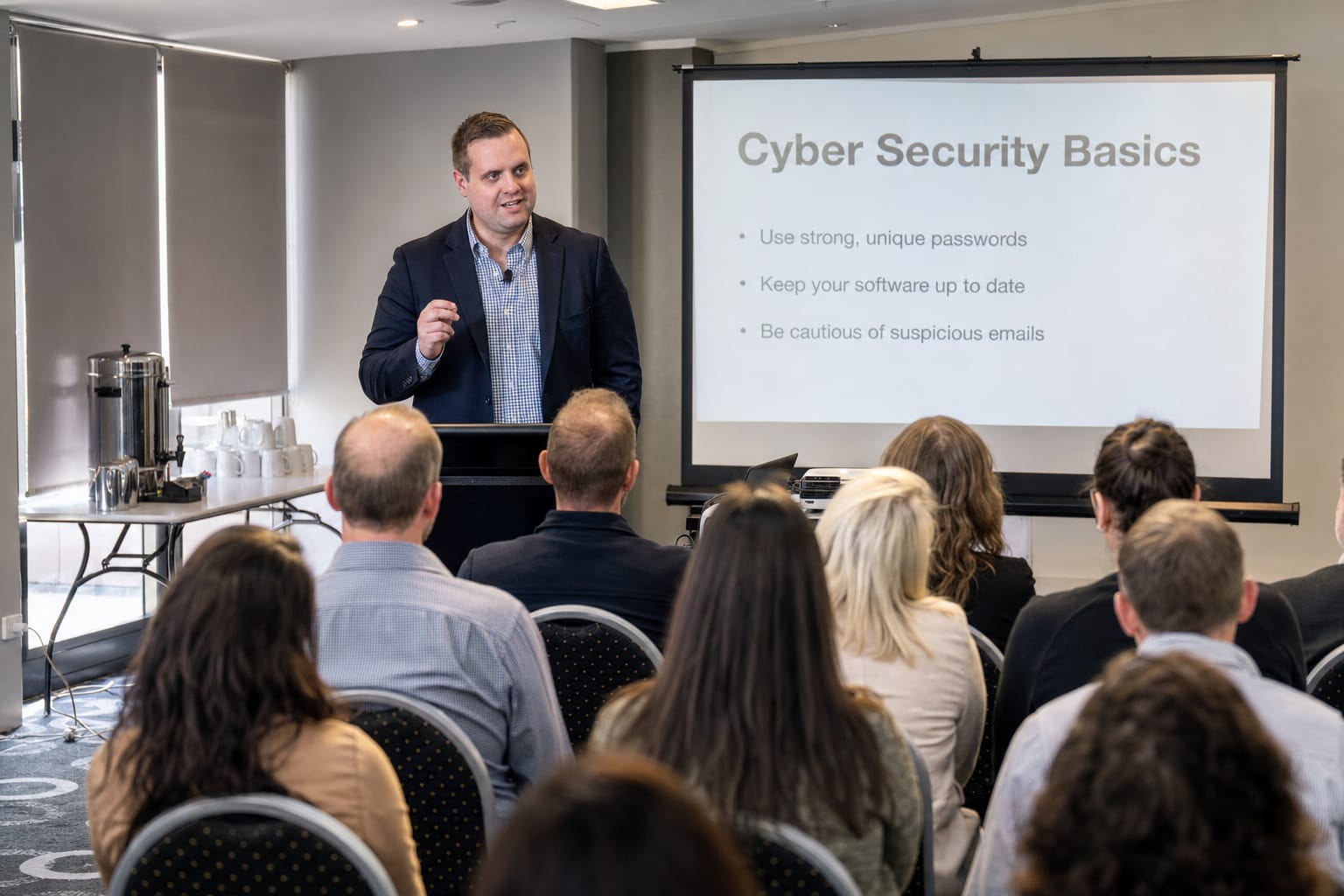
Phishing is the practice of tricking someone into handing over a password, approving a payment or opening something harmful by pretending to be someone they trust. It is cheap for attackers and it works often enough to keep being used. Technology filters out a lot of it, but some always gets through, so your staff are part of your defence.
This guide is written so you can share it with your team.
The common signs
No single sign proves an email is fake, and well-written phishing can have none of the classic giveaways. Look for a combination.
It creates pressure
Messages that demand action now are designed to stop you thinking. Be wary of threats of account closure, a payment that must go out today, or a request that must stay secret from colleagues. Real organisations rarely need a decision in the next ten minutes.
It asks for something unusual
A request that does not match how things normally work is a flag in itself: a change of bank details, a request for gift cards, a "quick favour" from the boss, or a login you did not expect to need. Ask whether this person would normally ask for this, in this way.
The sender is not quite right
Check the actual address, not just the display name. Look for small changes such as a swapped letter, an extra word or a different ending to the domain. Be careful with messages that appear to come from a colleague but arrive from a personal address. On a phone, tap the sender name to reveal the full address.
The link or attachment is off
Hover over a link, without clicking, to see where it really goes. Be cautious with shortened links, unexpected attachments, and invoices or documents you were not expecting. A prompt to sign in to view a shared document should make you stop and think about whether you were expecting one.
Something is slightly wrong with the message
Odd greetings, generic salutations, mismatched logos or unusual wording can all be clues. Do not rely on bad spelling alone, as better writing tools have made fluent phishing easy to produce.
Phishing is not only email
- Text messages (smishing): parcel delivery notices, bank alerts and toll notices with a link.
- Phone calls (vishing): someone claiming to be from IT, a bank or the tax office and asking you to confirm a code or install software.
- QR codes: a printed or emailed code that leads to a fake login page. Treat a QR code like any other link.
- Messages inside tools you trust: a compromised colleague's account can send convincing messages in Teams, Slack or a shared document.
What to do when something looks wrong
- 1. Stop. Do not click, reply, open the attachment or call a number in the message.
- 2. Verify another way. Contact the supposed sender using a phone number or address you already hold, not one from the message.
- 3. Report it. Use the reporting button if your email has one, or forward it to whoever looks after IT. Tell them even if you are not sure.
- 4. If you already clicked or entered a password, say so straight away. Speed matters far more than embarrassment. Change the password, and tell IT so they can check for suspicious sign-ins and revoke sessions. Our guide on what to do after a cyber attack covers the next steps.
You can also report scams and cybercrime to the Australian Government through ReportCyber at cyber.gov.au, and Scamwatch lists current scams.
Build habits, not just awareness
A once-a-year slideshow does not change behaviour. What works better:
- Make reporting easy and blame-free. If people fear being told off, they stay quiet and a small problem becomes a big one.
- Share real examples. When a phishing attempt targets your business, show the team what it looked like.
- Agree a verification step for money. Any change to bank details is confirmed by phone on a known number, whoever asks and however urgent it sounds.
- Run short, regular refreshers rather than one long session.
Technical controls that back your people up
Staff should not carry the whole burden. Multi-factor authentication limits the damage of a stolen password (see our MFA guide), email filtering reduces how much arrives, and sensible permissions limit what a single compromised account can reach. These are the same foundations the Essential Eight describes.
agree one reporting address or button, tell everyone about it, and thank the first person who uses it. A reporting habit is worth more than any single piece of training.
If you would like help with email security or staff awareness, see our cyber security page or contact us.
Written byBrandon StrangmanNeed Help with Your Business IT?
Ready to implement these strategies? Our expert team at Defy IT can help you build a resilient, secure IT environment tailored to your specific business needs.
Contact Us TodayReading up on cybersecurity? Explore our Cyber Security services